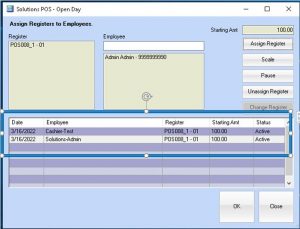
How to Assign Multiple Cashiers to a Single Drawer
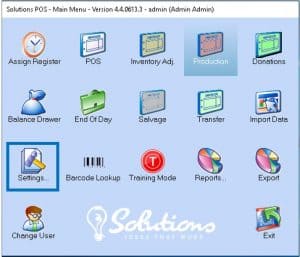
Select the Settings Button
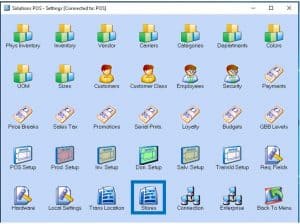
Select Stores Button
Find Stores using multiple Cashiers and Check Multi Cashier box
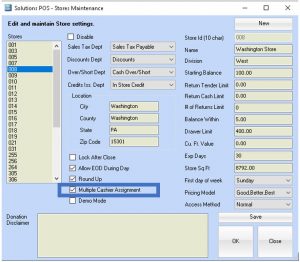
Select Save and Close
Select Back to Menu
Select Assign Cashiers
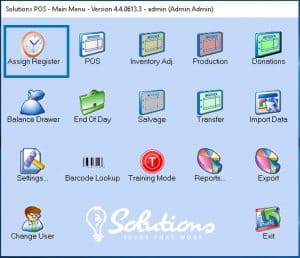
Assign the 1st Cashier
Notice: Once the 1st Cashier is assigned; the register is still available for the 2nd cashier to be assigned
Repeat the process to assign a cashier when another cashier is needed.
Notice: Multiple cashiers will be successfully assigned.